ImgPhotoEditor

Free AI Image Generator With No Restrictions

Turn your words into original AI images in seconds.

Quick Select:
0/20,000
Try these examples
Aspect Ratio
Loading recent tasks…
10AI image models
Text Promptscreative input
10aspect ratios
Up to 4Koutput resolution

Uncensored AI Image Generator from Text

This text image generator turns a written idea into an original image without starting from stock photography. As a flexible text-to-image generator, it lets you describe the subject, scene, camera angle, lighting, color palette, and mood in natural language. Our unfiltered AI image generator gives you room to explore a broader range of visual concepts, from cinematic realism and fantasy worlds to stylized characters and experimental art.

  • Generate original images from natural-language prompts
  • Control style, mood, lighting, and composition
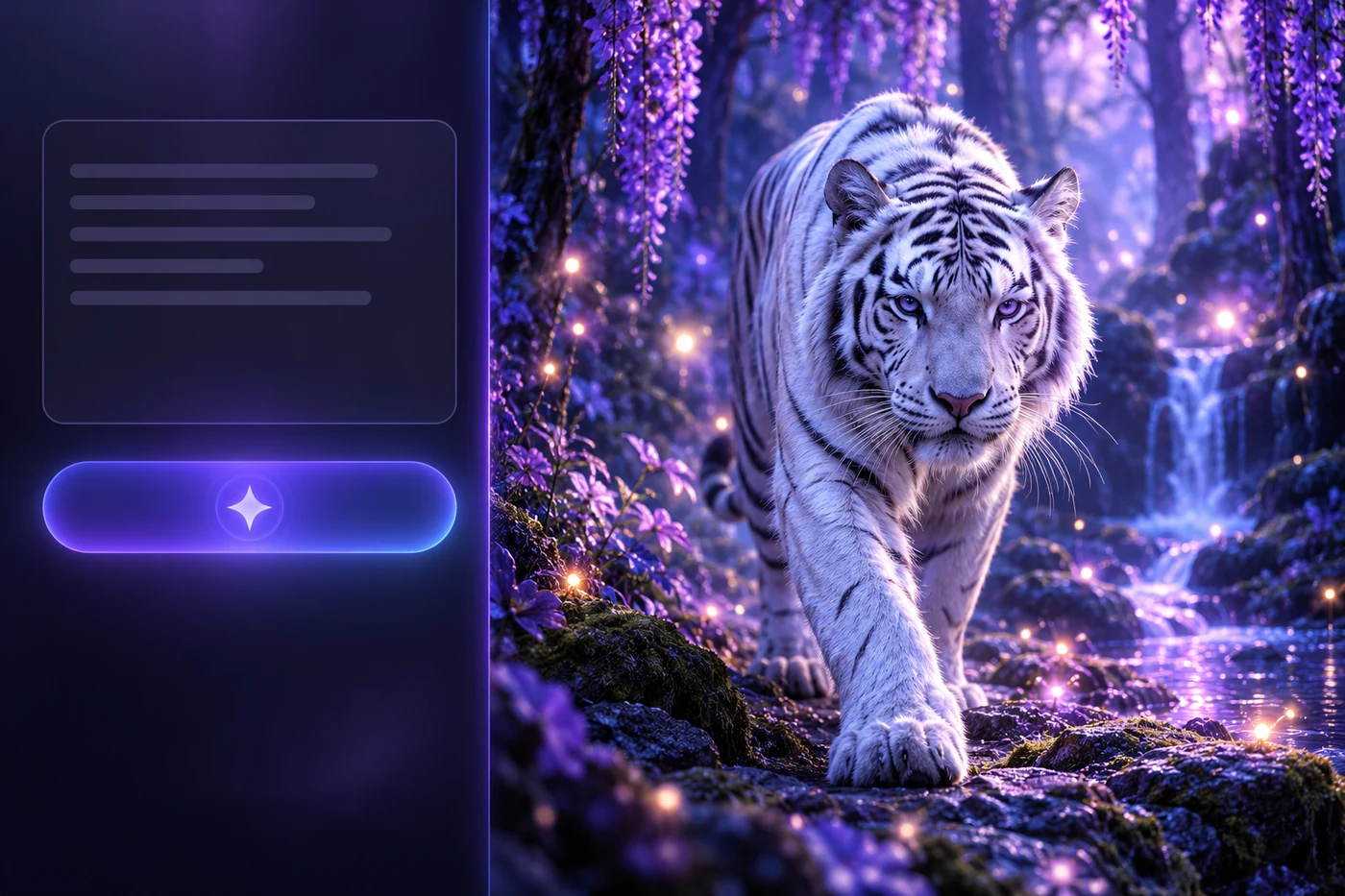
Text promptAI result
Text prompt generating a cinematic white tiger image with AI

AI Photo Generator for Characters, Products, and Scenes from Text

Create more than one kind of visual from a text prompt with our AI Photo Generator. Design original characters, build polished product concepts, or imagine complete environments from a blank canvas. Describe the subject and its purpose, then add details about materials, setting, camera angle, lighting, and mood to shape a result that fits your idea. For an image collage generator-style composition, specify the panels, spacing, and visual relationship between each subject.

  • Create characters, product visuals, and imaginative scenes
  • Develop distinct concepts directly from text prompts
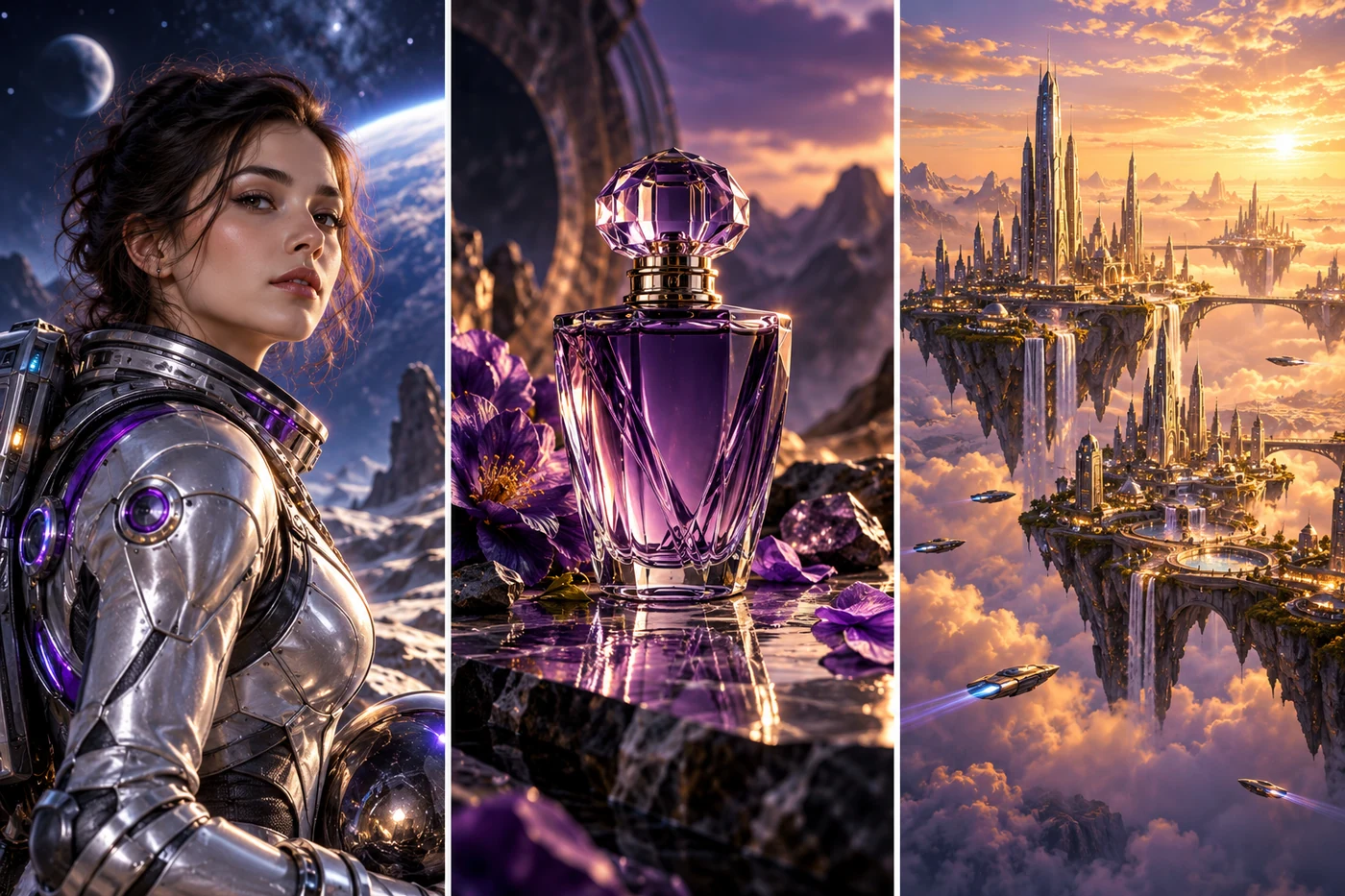
CharactersProducts & scenes
AI-generated space explorer, perfume product concept, and floating city created from text prompts

Create Photorealistic, Anime, and Artistic Images Using Our AI Image Generator

Use our AI art generator to move from photorealistic portraits to anime, digital painting, 3D, fantasy, or cinematic concept art without rebuilding your idea from scratch. Choose among multiple AI image models, then describe the medium, texture, lens, lighting, and atmosphere you want. The same subject can become a polished campaign visual, a character illustration, or expressive artwork.

  • Create photorealistic, anime, and painterly results
  • Compare multiple AI models for the right visual style
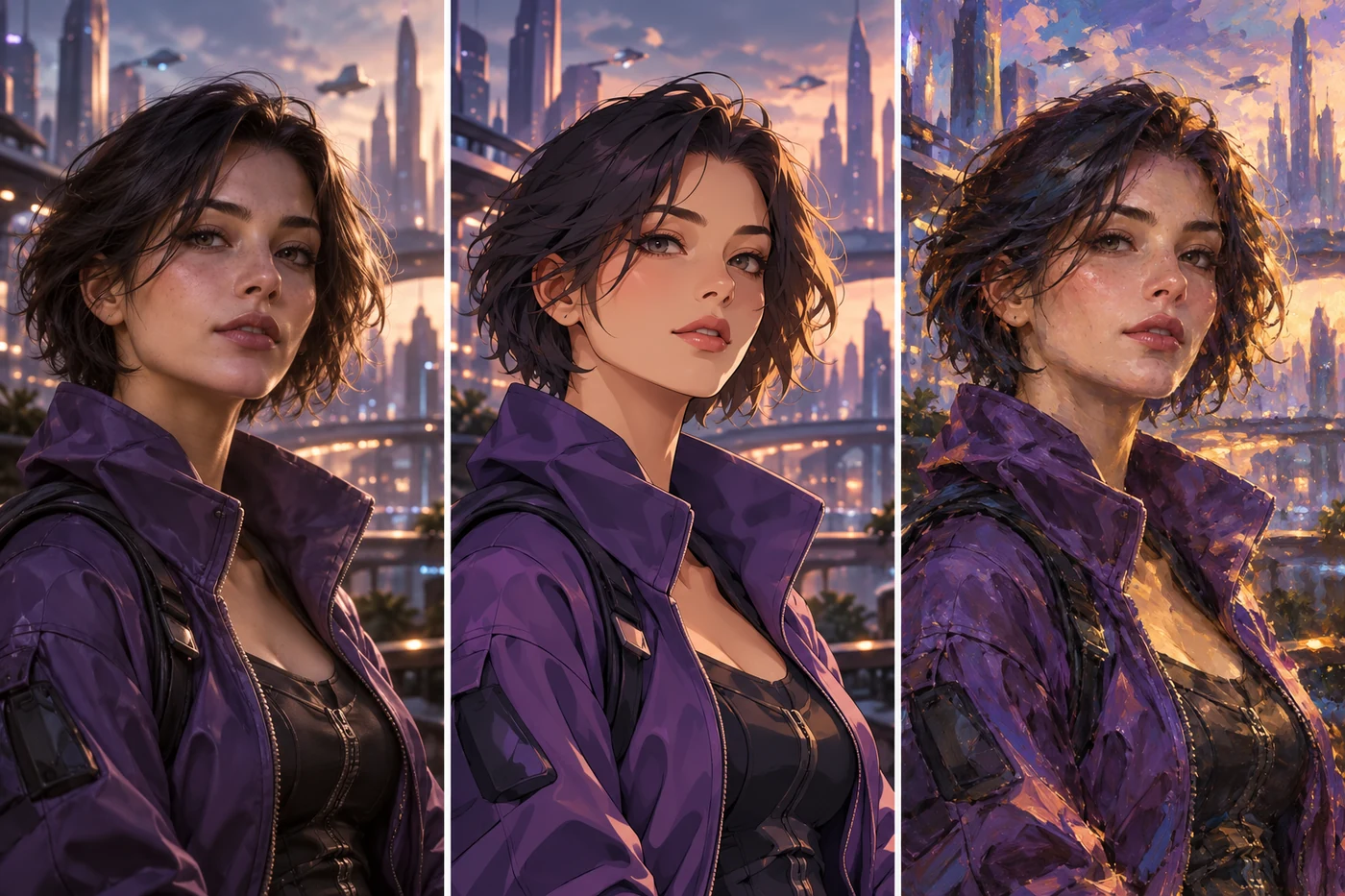
PhotorealisticAnime & art
The same AI character shown in photorealistic, anime, and painterly styles

Choose Models, Aspect Ratios, and Resolutions in the AI Photo Generator

Match each idea to the model and format it needs with our AI Photo Generator. Generate a square profile image, a vertical social visual, a cinematic widescreen scene, or a custom editorial format without awkward cropping. Resolution controls let supported models produce 1K, 2K, or 4K images, while model-specific options help balance creative style, prompt understanding, detail, and credit cost.

  • Choose square, portrait, landscape, and social formats
  • Generate crisp 1K, 2K, and 4K outputs
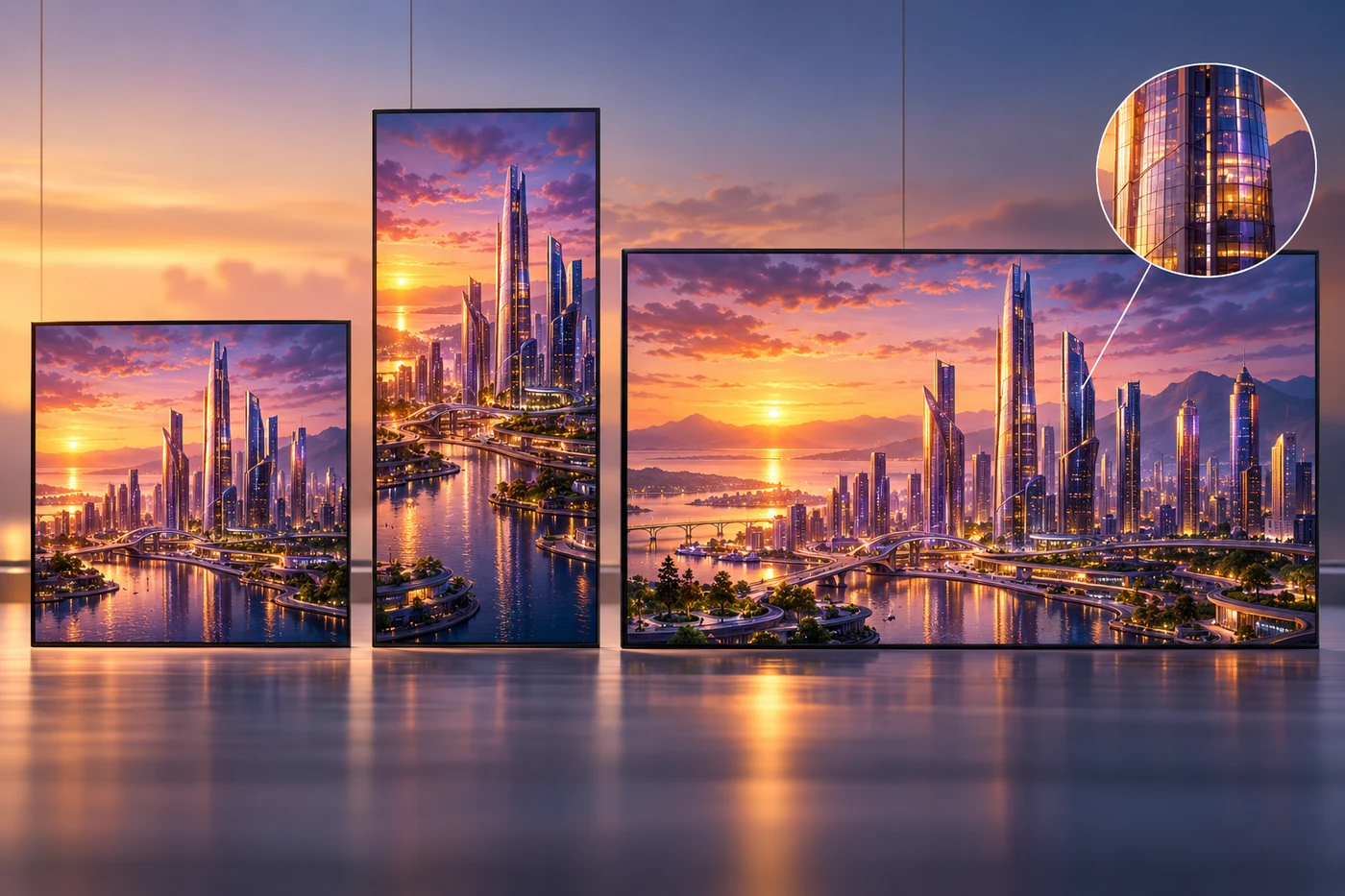
Flexible formatsUp to 4K
The same AI-generated city shown in square, portrait, and landscape formats with a high-resolution detail crop

What Can You Create with Our Free AI Image Generator?

Turn a text prompt into original visuals with our transparent image generator for product concepts, social content, marketing campaigns, and imaginative worlds in the formats each project needs.

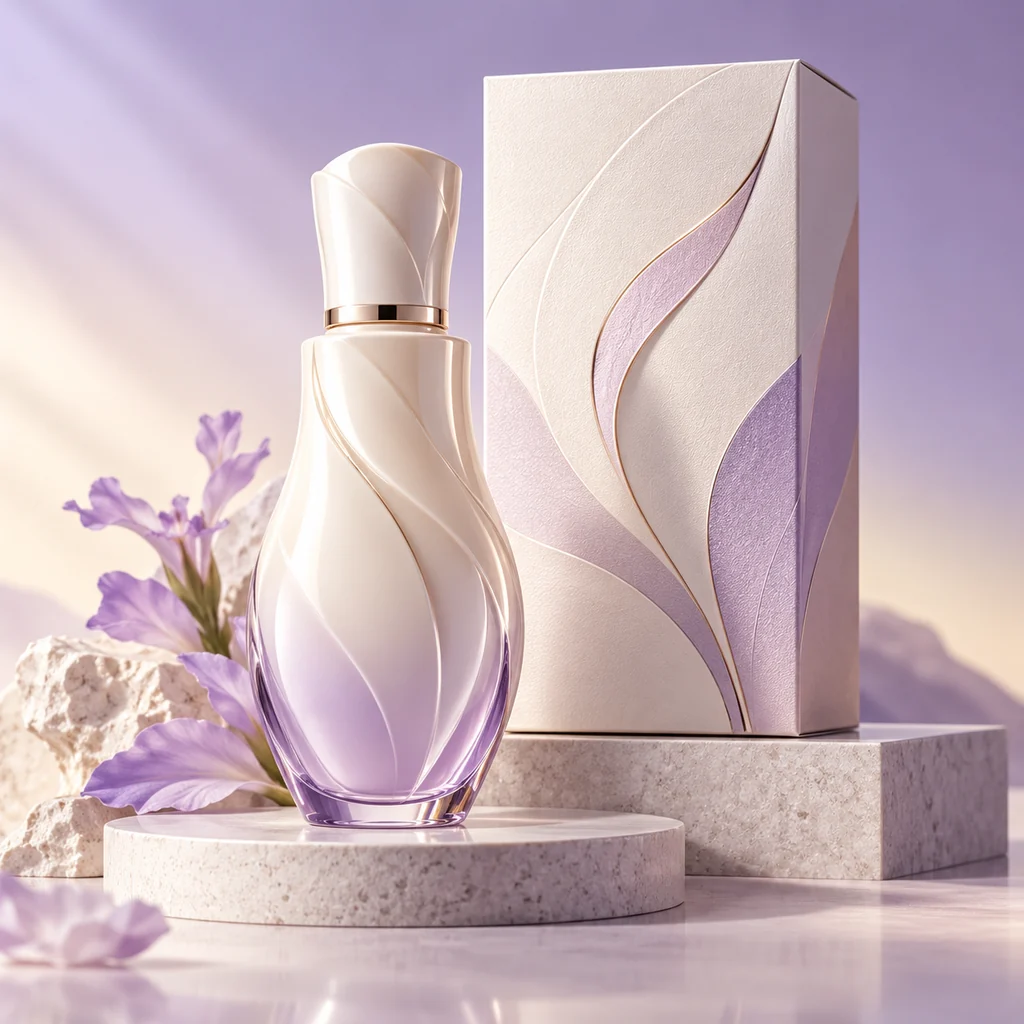
AI-generated lavender product packaging concept in a premium studio setting

Product Concepts & Brand Visuals

The best AI image generator makes it easier to turn a simple description into product mockups, packaging ideas, lifestyle scenes, and cohesive brand moodboards. Explore different materials, colors, settings, lighting, and compositions, compare multiple creative directions, and refine a visual concept before moving into design or production.
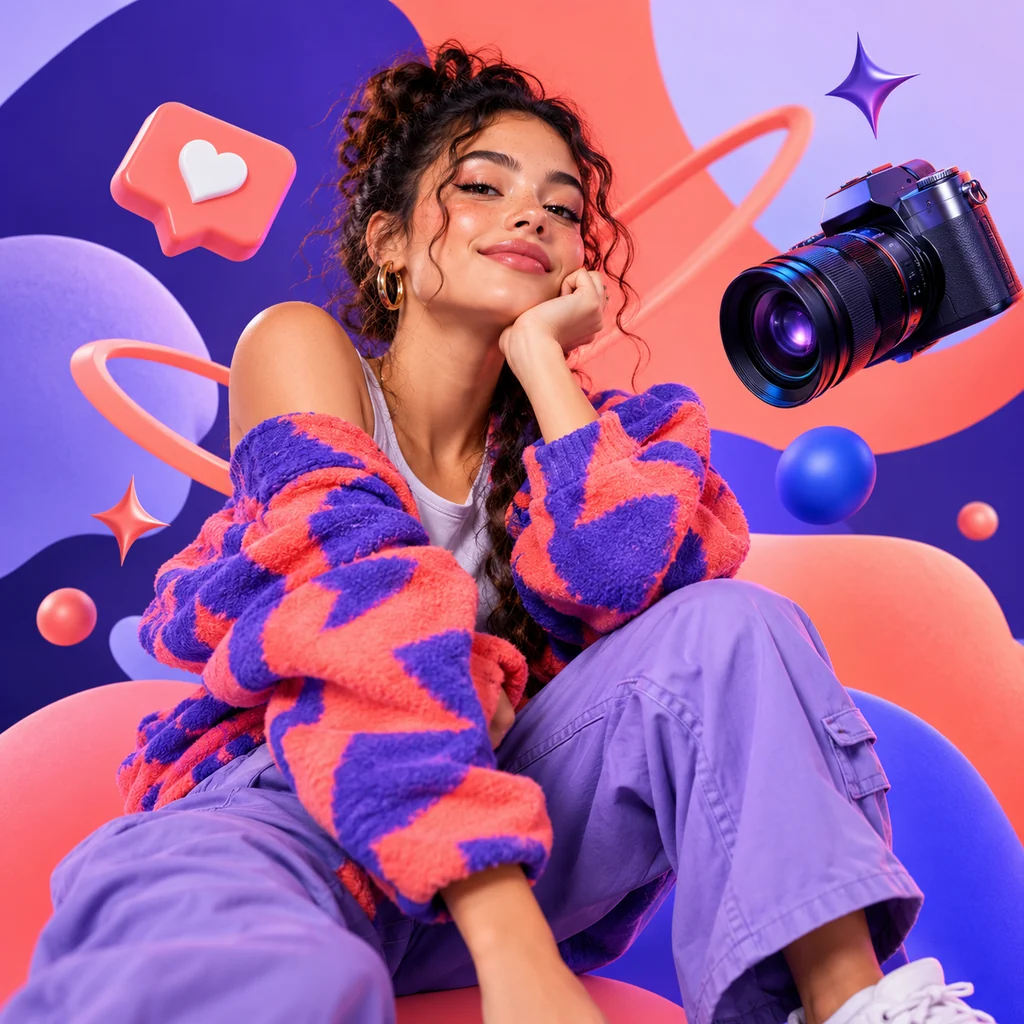
AI-generated creator portrait with colorful social media inspired graphics

AI Image Generator for Social Media & Creator Content

Use our AI Image Generator to create original visuals for social posts, video thumbnails, channel artwork, and creator campaigns. Explore photorealistic, illustrated, anime, or cinematic directions, then choose an aspect ratio that fits feeds, stories, banners, and other platform formats.

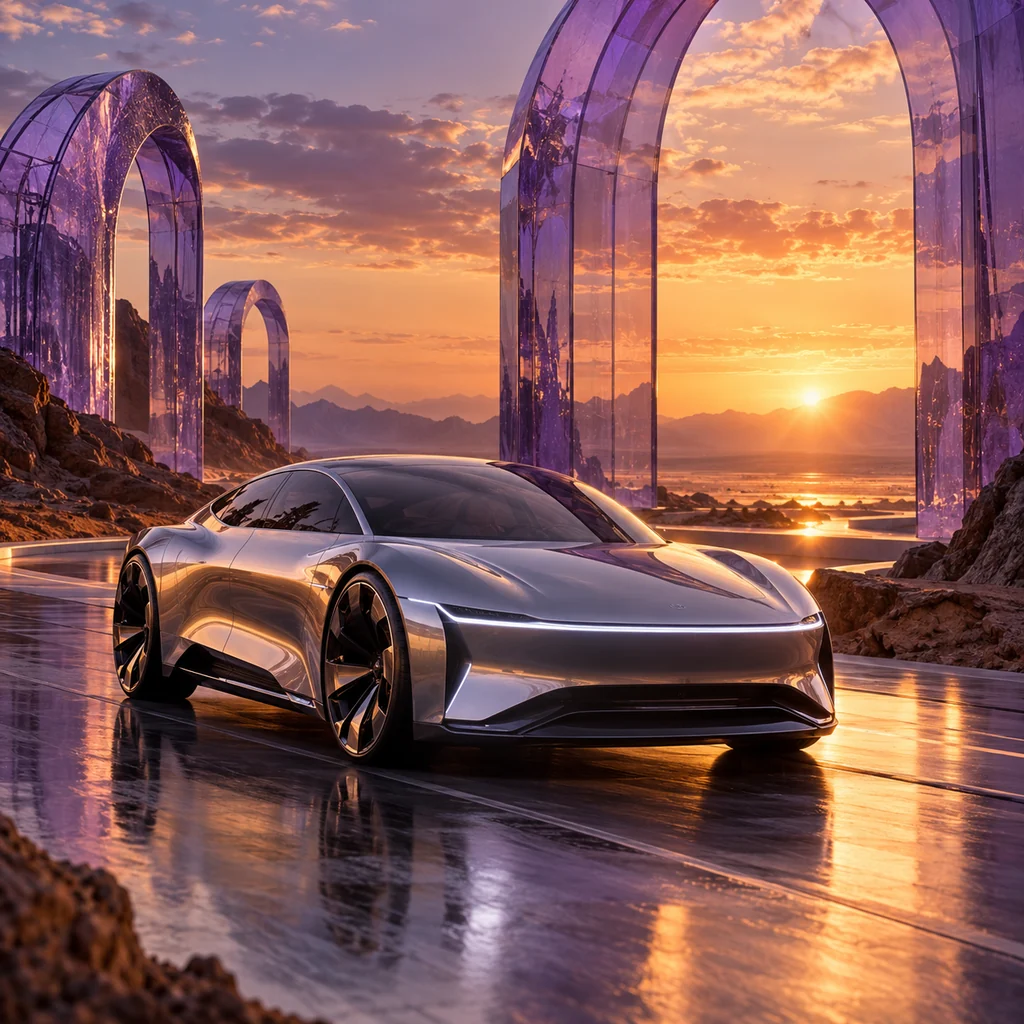
AI-generated futuristic vehicle advertising concept at sunset

Marketing & Advertising Creatives

Use our AI picture generator to turn a creative brief into campaign concepts, website hero images, promotional scenes, and flexible ad backgrounds. Test different audiences, moods, color palettes, compositions, and seasonal variations, then develop a more focused visual direction without spending hours searching through stock photos.

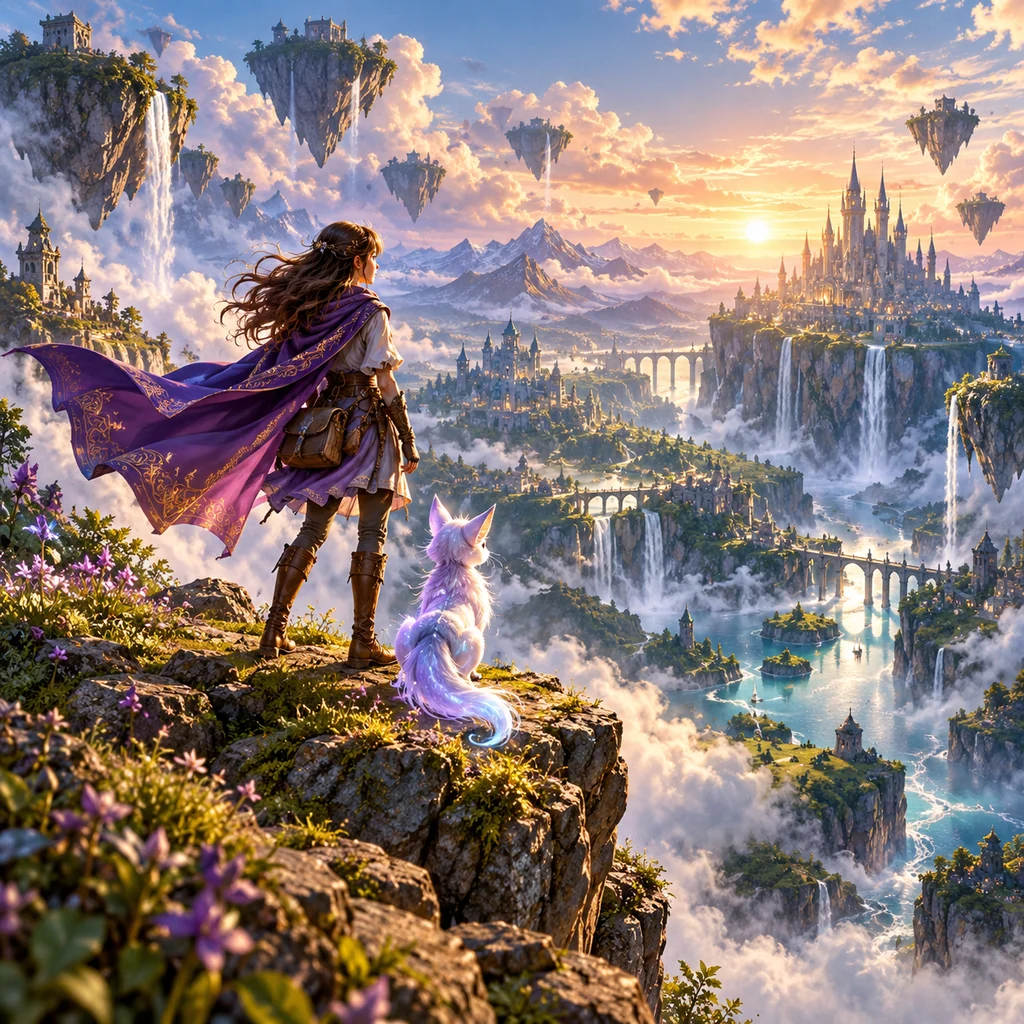
AI-generated fantasy adventurer overlooking a world of floating islands

Create Characters, Stories & Game Art Using an AI Image Generator

Use our AI Image Generator to visualize original characters, fantasy worlds, story scenes, book-cover concepts, and game environments in photorealistic, anime, cinematic, or illustrated styles. Refine costumes, settings, lighting, composition, and mood to explore visual directions for novels, comics, storyboards, and game development.

How to Generate AI Images from Text

Create an original AI image in three simple steps. Set up your model and format, describe your idea, then generate and download.

  1. 1

    Choose a Model and Image Format

    Choose an AI model, then set the aspect ratio and an available 1K, 2K, or 4K resolution for your project. Supported options vary by model.

  2. 2

    Write a Detailed Text Prompt

    Describe your subject, style, lighting, and composition. Add colors, mood, or background details to help the model bring your idea to life.

  3. 3

    Generate and Download Your AI Image

    Select Generate Images, preview your result, and download it. Refine your prompt and generate another version whenever you want to explore a new direction.

Built for Faster Visual Exploration

The AI Image Generator keeps prompts, model selection, output formats, and finished results in one focused workflow.

From Prompt to First Concept

Start with a few lines of text and turn a creative direction into a visual you can evaluate with the AI Image Generator.

Explore Models and Formats

Restore a recent task, switch the model, aspect ratio, or resolution, and generate another considered direction.

Preview, Download, and Revisit

Review full-size results, download finished images, and return to recent generations without rebuilding your prompt.

Creator Reviews of Our AI Image Generator

From brand concepts and social visuals to characters and cover art, explore how creators can bring their ideas to life with text prompts.

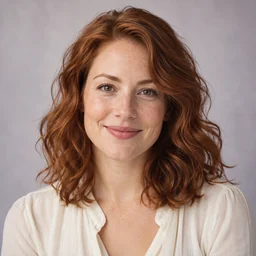
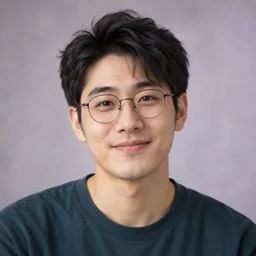
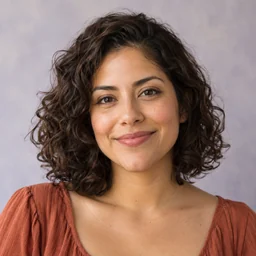
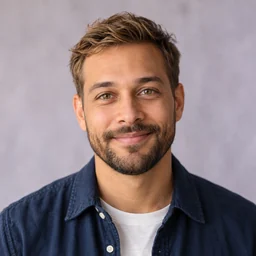
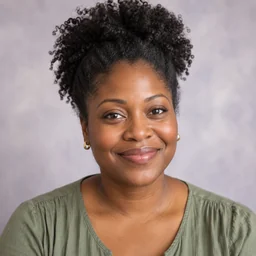
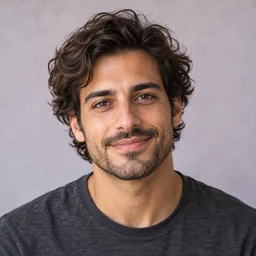
Illustrative reviews with fictional profiles and AI-generated portraits.
I can turn a campaign brief into a few visual directions before building the full moodboard. Switching models helps me explore different styles, while the aspect ratio options keep each concept ready for the layout I have in mind.
Maya Bennett, fictional creator portrait
Maya BennettBrand strategist
The AI Image Generator turns a short description into a starting point for characters, environments, and item concepts. I like refining the lighting and atmosphere in the prompt, then generating another version to see which direction fits my game's world.
Ethan Park, fictional creator portrait
Ethan ParkIndie game developer
The portrait and square formats make it easy to plan visuals for different social posts. I describe the scene and color palette, preview the result, and download the version that works best with the rest of my content.
Sofia Reyes, fictional creator portrait
Sofia ReyesSocial media producer
I use text prompts to explore materials, packaging shapes, and studio settings before committing to a direction. Comparing models and resolutions helps me move from a rough product idea to a clearer visual concept for a design discussion.
Noah Brooks, fictional creator portrait
Noah BrooksProduct designer
The AI Image Generator helps me picture a story scene while I am still writing it. Adding details about a character's expression, the setting, and the illustration style gives me new ideas to explore before I put together an illustrator's brief.
Amara Okafor, fictional creator portrait
Amara OkaforChildren's book author
I start with the mood of a track and describe the colors and imagery I associate with it. Generating square artwork lets me compare cover concepts, and revisiting recent results makes it easy to pick up an idea later.
Leo Moretti, fictional creator portrait
Leo MorettiIndependent music artist

AI Image Generator FAQ

Learn about free credits, accounts, prompts, output settings, commercial use, available models, and result privacy.

Is this a free AI image generator with no restrictions?

The AI Image Generator is free to try with guest credits, and supported models let you generate without creating an account. It still follows the Terms and Acceptable Use Policy. If you are comparing options for an AI image generator free no sign up, check the model, credit, and account requirements shown before generation.

Do I need an account to generate AI images?

No. You can use supported guest models with your free trial credits. Sign in with Google to access selected advanced models, receive eligible daily account credits, keep results longer, and revisit them in My Creations.

How do I write a good AI image prompt?

Start with the main subject, then add the visual style, composition, lighting, colors, setting, and mood. Specific details such as camera angle, materials, or time of day help the model understand the result you want.

Which aspect ratios and resolutions can I choose?

Available settings depend on the selected model. The AI Image Generator supports square, portrait, landscape, and widescreen formats, with compatible models offering output resolutions from 1K through 4K.

Can I use generated images commercially?

You may use generated images for personal or commercial projects when your use complies with applicable law, the site terms and acceptable-use rules, and the selected model provider's terms. AI outputs may not be unique, so check rights and suitability for your intended use.

How does the AI Image Generator protect my prompts and results?

Prompts are sent securely to the selected generation provider, and completed results are stored privately with time-limited access links. Guest results are retained for up to 24 hours; signed-in retention depends on the account tier described in the privacy policy.

Which AI image models are available?

The current catalog includes ten models for fast generation, detailed prompt understanding, flexible formats, and output up to 4K. If you are comparing a Chat GPT image generator, Gemini image generator, or Bing AI image generator, use the controls here to review each available model's credit cost, aspect ratios, resolutions, and login requirements before you submit.

Turn your next idea into an image.

Describe the scene, choose a model and format, and generate an original visual in seconds.

Generate an AI image